
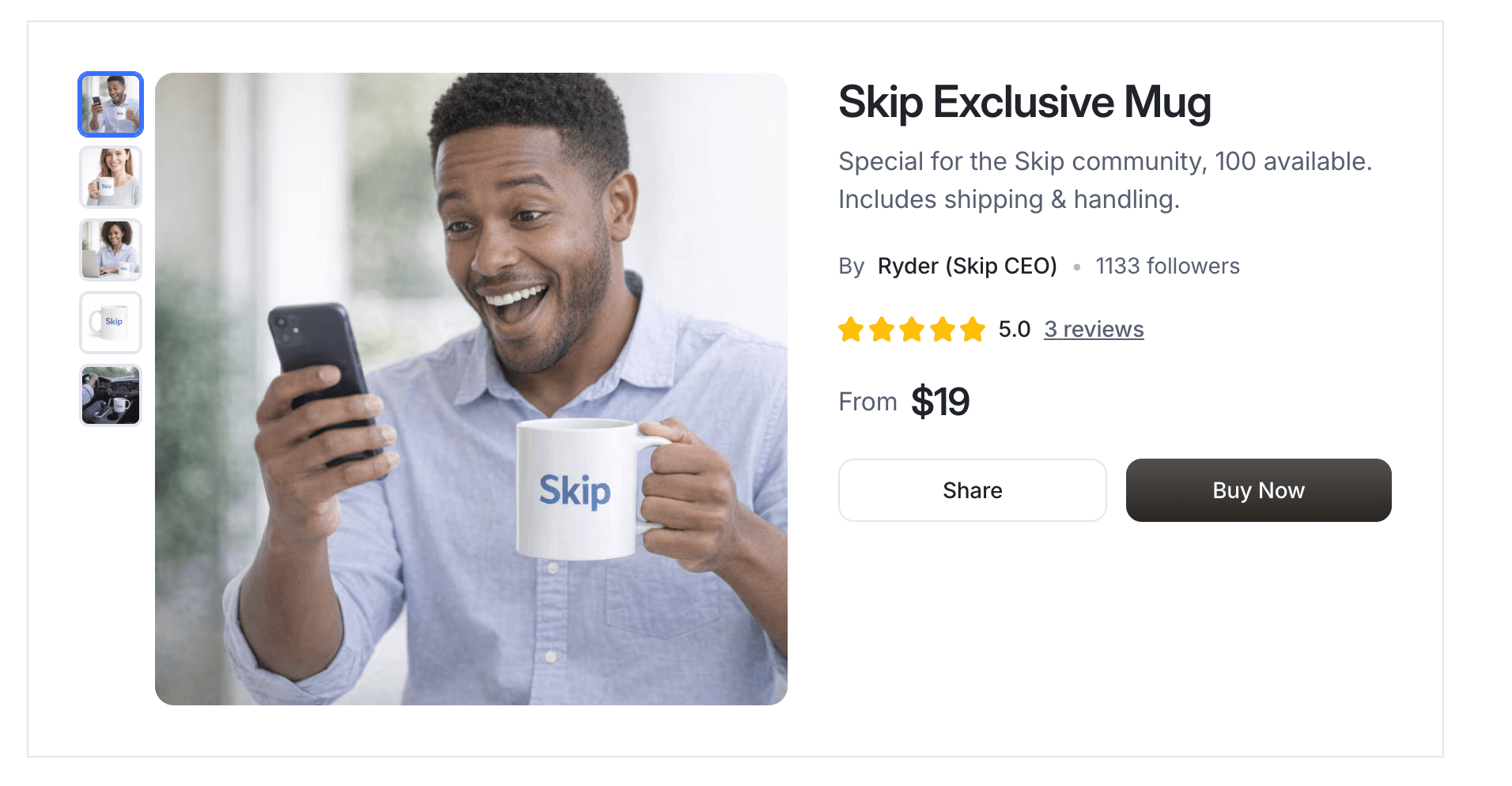
Your product or service deserves more than just one photo.
Starting today, you can now add multiple images to any product on Skip. Whether you sell physical goods, digital products, coaching, consulting, or services, this update gives you more ways to showcase what you offer — build trust faster — and increase conversions. Here’s what’s new and how to use it.
1. Upload Multiple Images from Your Products Page
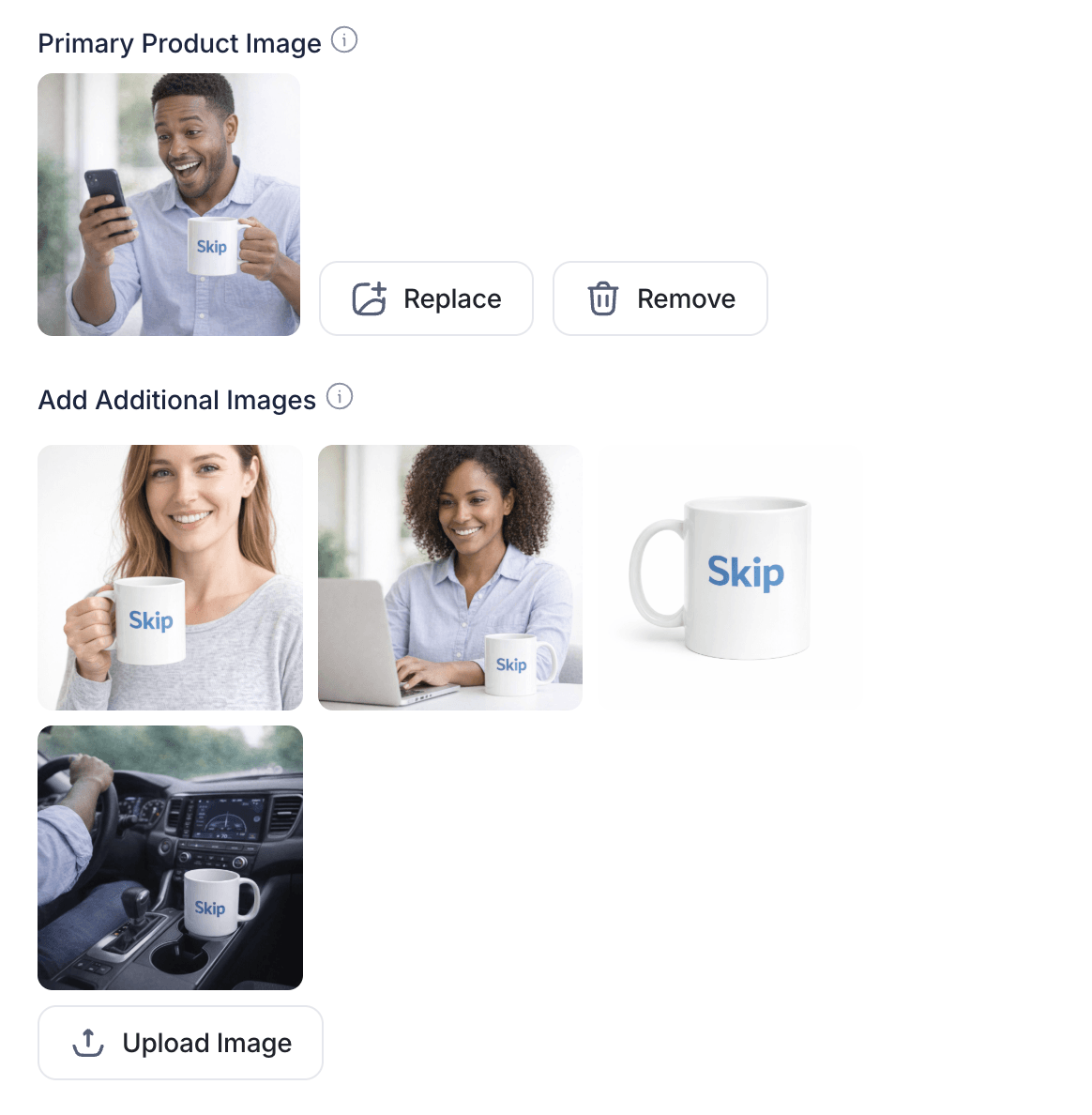
You can now add multiple images directly from your Payments → Products page.
Simply go to your product, click Edit, and upload additional images in the image section. You’ll be able to set a primary image and include as many supporting visuals as you’d like.
This allows you to show:
- Different angles of your product
- Lifestyle shots
- Service screenshots
- Before-and-after results
- Packaging details
- Visual testimonials
- Use-case examples
Instead of relying on one image, you can now tell a fuller story. Here's how it looks in the product editor.
2. A More Dynamic Product Page Experience
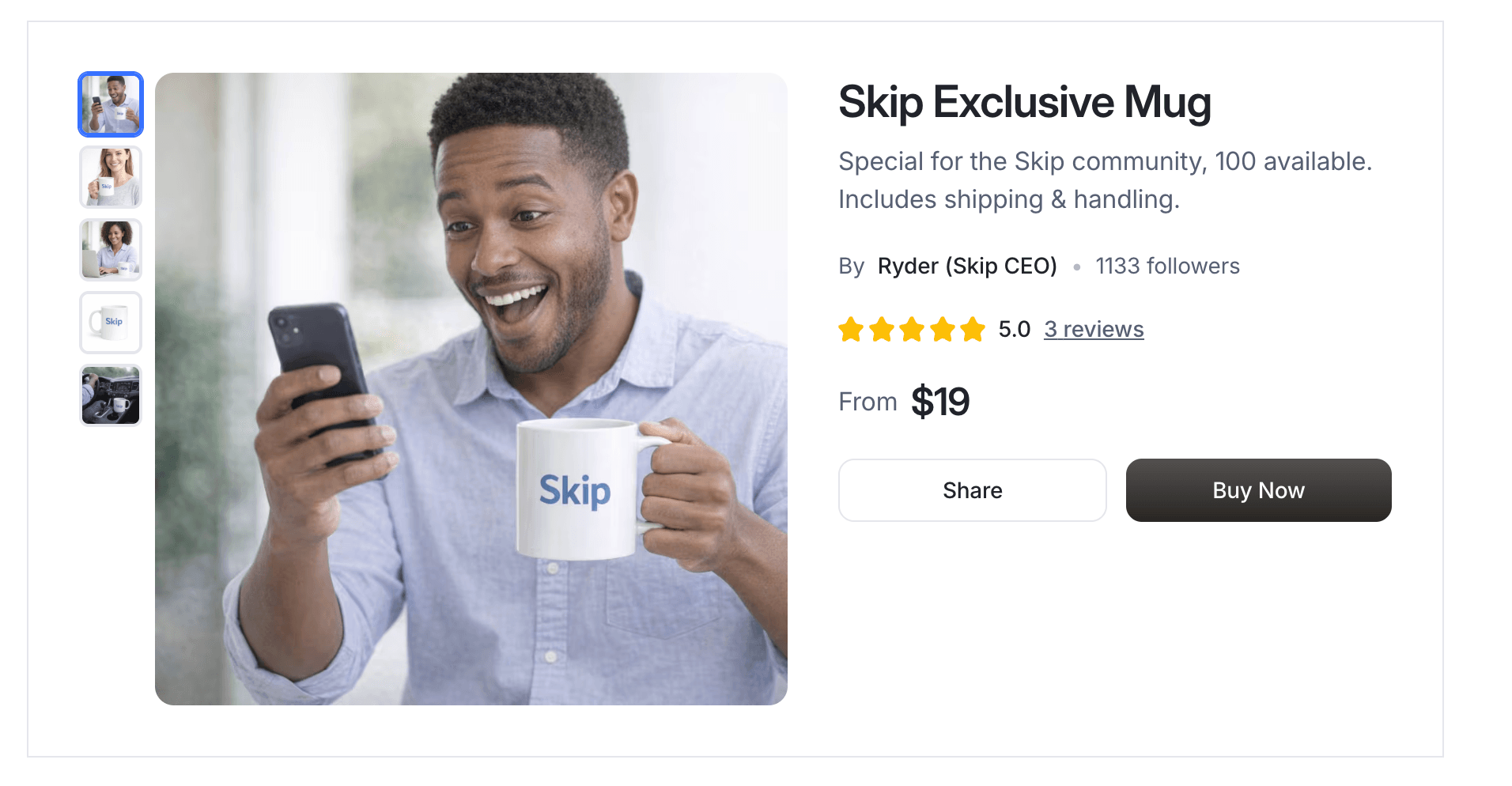
When someone visits your product page, they’ll now see a primary image alongside a gallery of thumbnails. Buyers can click through and preview each image, just like they would on leading e-commerce platforms.
This creates a more professional and premium experience. Multiple images increase confidence, reduce hesitation, and help potential customers better understand what they’re purchasing.
More clarity leads to more trust. More trust leads to more sales.
3. Create Variations Instantly with the AI Image Generator
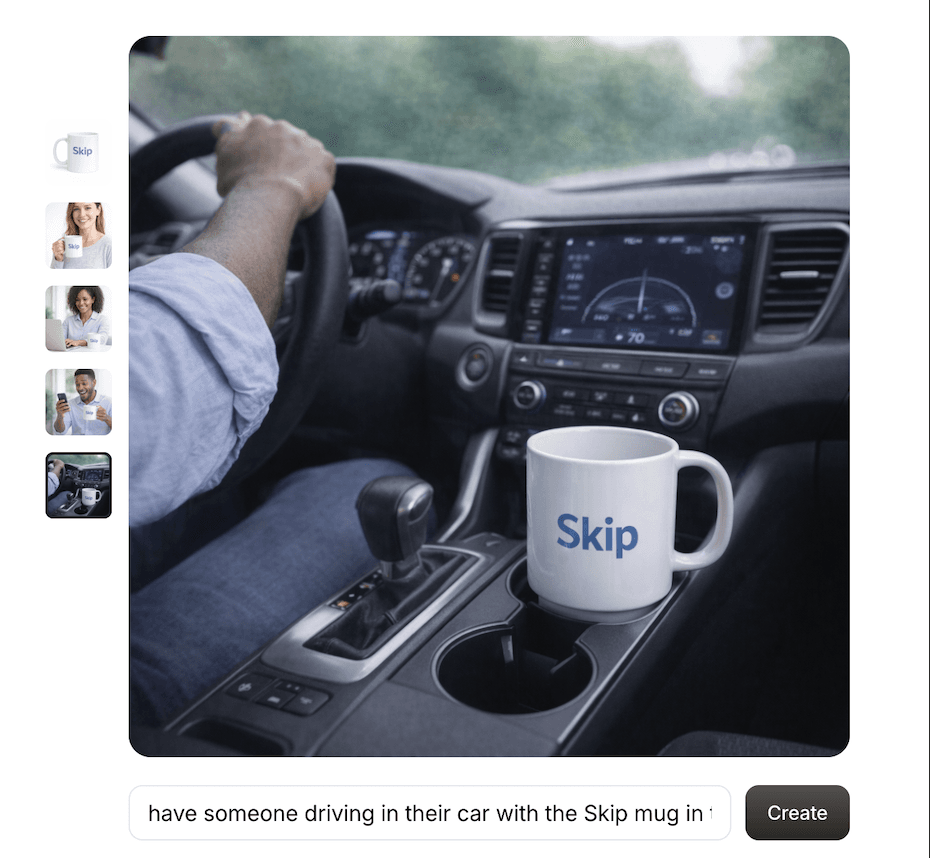
This update becomes even more powerful when paired with Skip’s AI Image Generator.
You can now create image variations directly from your existing product images. Want to show someone using your product? Place it in a real-world environment? Change the lighting, background, or style? Create a social-media-ready version?
You can do it in seconds — no photoshoot required.
Generate new variations, then add them to your product gallery to keep your listing fresh, modern, and compelling.
Conclusion: Show More. Sell More.
Great businesses don’t just describe what they offer — they show it.
By adding multiple images and using AI-generated variations, you can present your product or service in a way that feels polished, credible, and competitive with top e-commerce brands.
Head to your Payments → Products page, update your listings, and start showcasing your business the way it deserves to be seen.