

If you already sell products or services elsewhere, getting set up on Skip just got dramatically easier. You can now import your products directly into Skip using a simple CSV file—so you don’t have to recreate everything from scratch.
Whether you’re coming from Shopify, a spreadsheet, or another platform, you can bring your listings into Skip in minutes and start selling right away.
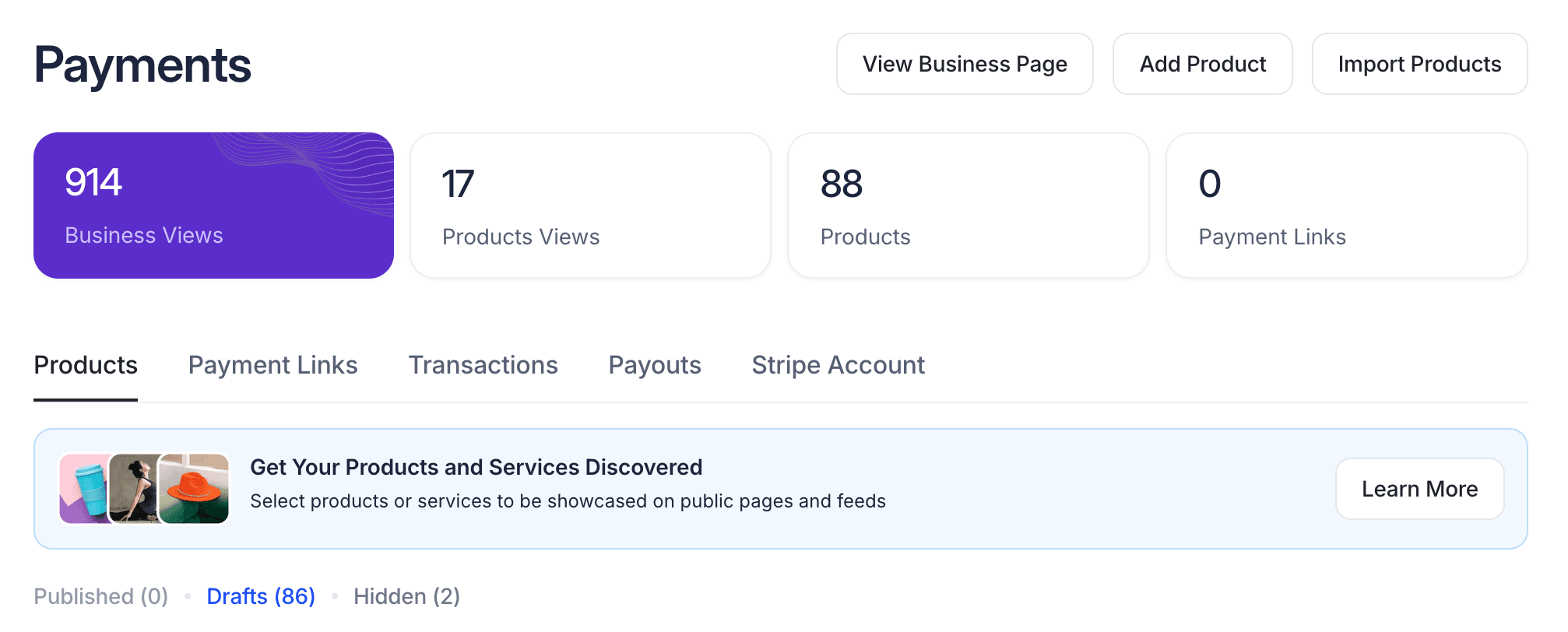
Bring Your Existing Products Into Skip
With the new CSV import feature, you can upload products from virtually any source.
Many platforms like Shopify allow you to export your products as a CSV file. You can take that file—or create your own simple spreadsheet—and import it directly into Skip.
This is especially useful if you already have dozens or hundreds of products and want to get them live on Skip without manual entry.
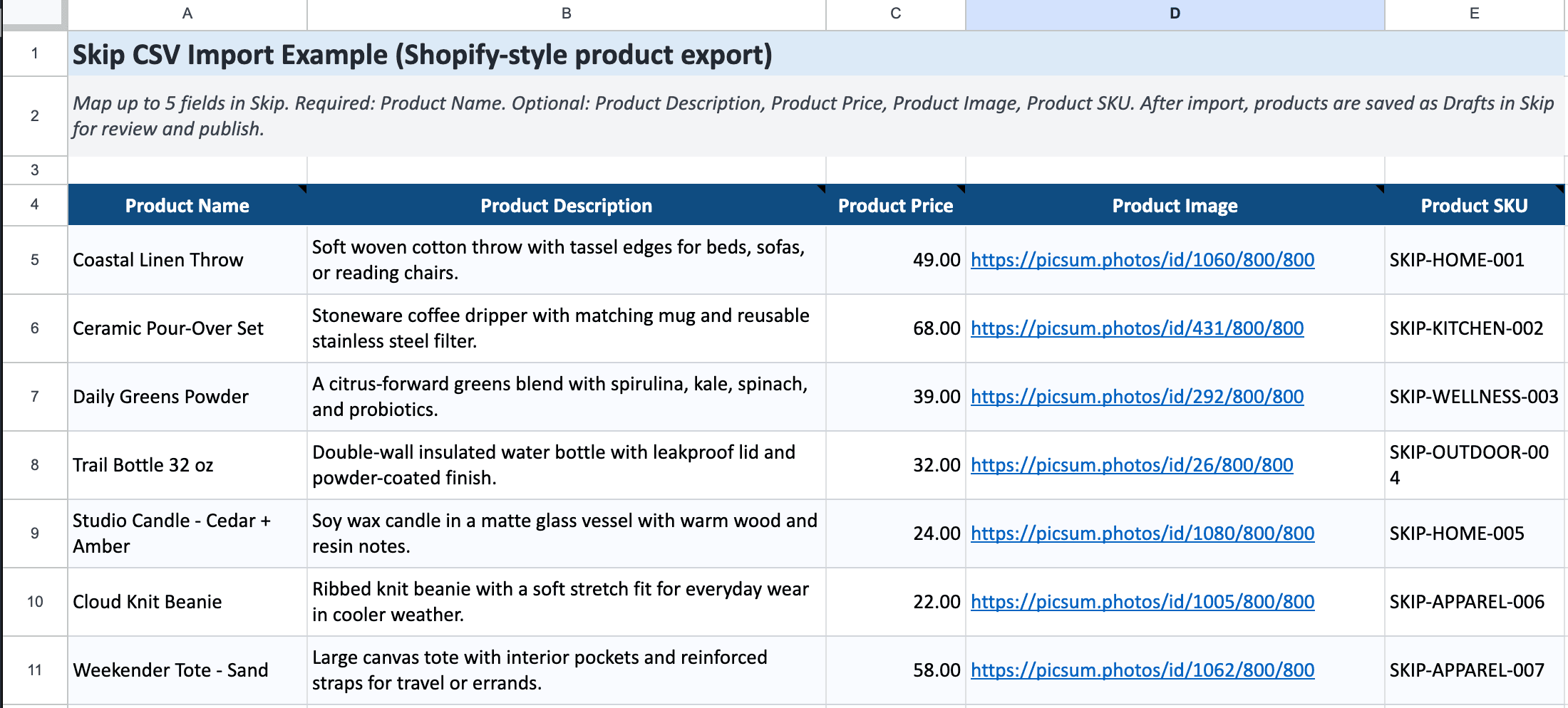
Import Up to 5 Fields (Fast + Flexible)
To keep things simple and fast, Skip supports importing up to five key fields:
Product Name (Required)
This is the most important field. It’s what your customers will see first and what identifies your product on Skip.
Product Description (Optional)
Add details about your product, what it includes, and why it’s valuable.
Product Price (Optional)
Set your pricing upfront so your listings are ready to go.
Product Image (Optional)
You can include image URLs in your CSV, or upload images later directly on Skip.
Product SKU (Optional)
Useful for tracking, organization, or syncing with your existing systems.
You don’t need all five fields to get started—just the product name is enough. The rest can be added later.
Map Your Fields and Import
Once you upload your CSV, Skip will guide you through mapping your columns. This means you simply match each column in your file (like “Name” or “Price”) to the correct field in Skip.
The process is quick and flexible, so even if your spreadsheet format is slightly different, you can still import without issues. After mapping, just click import—and Skip will handle the rest.
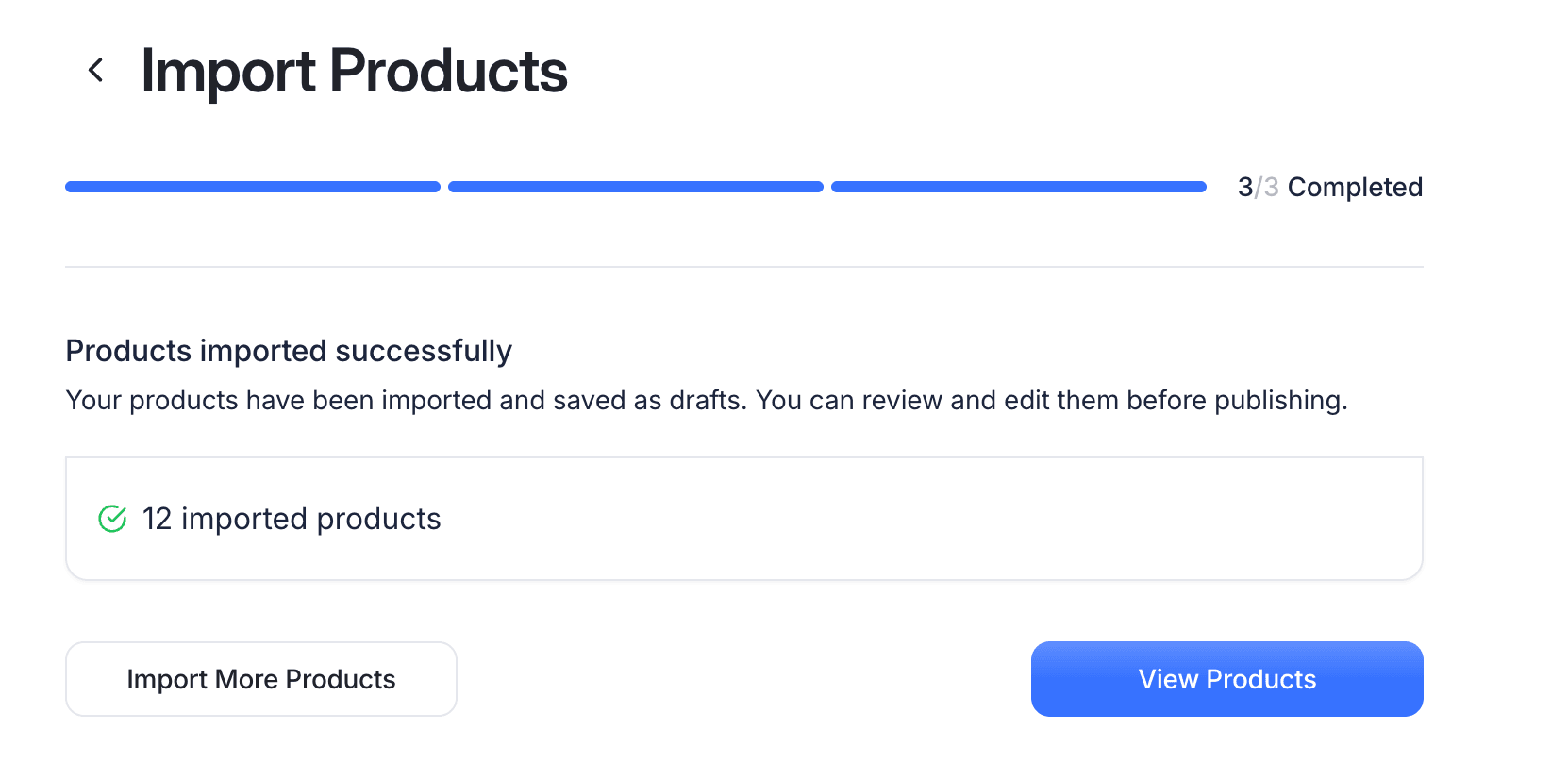
Review Your Products Before Publishing
After importing, all of your products will be saved as Drafts. This gives you full control before anything goes live. From there, you can:
- Review each product
- Add or refine descriptions
- Upload or improve images
- Choose your call-to-action (Buy Now, Book a Call, Send Message, etc.)
Once everything looks good, simply publish your products.
Go Live on Your Business Page or Website
As soon as you publish, your products will instantly appear on your Skip business page—and your website if you’re using Skip’s website builder.
This means you can go from spreadsheet → live storefront in just a few minutes.
Built to Save You Time
The goal of CSV import is simple: remove friction.
Instead of spending hours recreating listings, you can now bring everything into Skip in bulk, clean it up quickly, and go live. If you don’t have everything perfect yet, that’s fine—import first, refine later.
Start by exporting your products or creating a simple spreadsheet, upload it into Skip, and get your business live faster than ever.